
Knowing how to test business backups means doing more than checking whether a backup job reports success. The real test is restoring a copy of a business file, confirming it is complete and usable, and recording how the recovery went. A careful test can reveal gaps while there is still time to address them.
Keep the test controlled: choose a suitable file, restore it to a separate location, and avoid replacing live data. If you do not manage your backups, coordinate with your IT provider or the person responsible for recovery before starting.
Plan a safe backup restore test
Before restoring anything, decide what you want to prove. A small test might confirm that a file can be retrieved from a particular recovery point and opened by the person who needs it. A broader test might also check access controls, the recovery process, and how long the steps take.
Choose a representative file that matters to normal work. That might be a document, spreadsheet, or another ordinary business file. Avoid selecting sensitive information unless it is necessary for the test and you have an authorized, protected place to restore it.
- Confirm authorization. Use approved recovery access, and involve the person responsible for the backup system if you are unsure how to proceed.
- Choose the recovery point. Record which backup or point in time you intend to use. Consider whether it represents the version your business would need to recover.
- Pick a separate destination. Restore to a clearly identified test folder or isolated environment, not over the original file or a live shared folder.
- Set expectations. Decide who will validate the restored file and what recovery time and acceptable data loss your business needs to meet.
A recovery time objective describes how quickly a service or file needs to be available after an interruption. A recovery point objective describes how far back in time recovered data can be while still meeting business needs. These are business targets to define for your own operations, not results a backup product can promise by itself.
For more on planning for disruptions beyond file recovery, see these business continuity strategies. For broader security preparation, this small business IT security checklist offers related areas to consider.
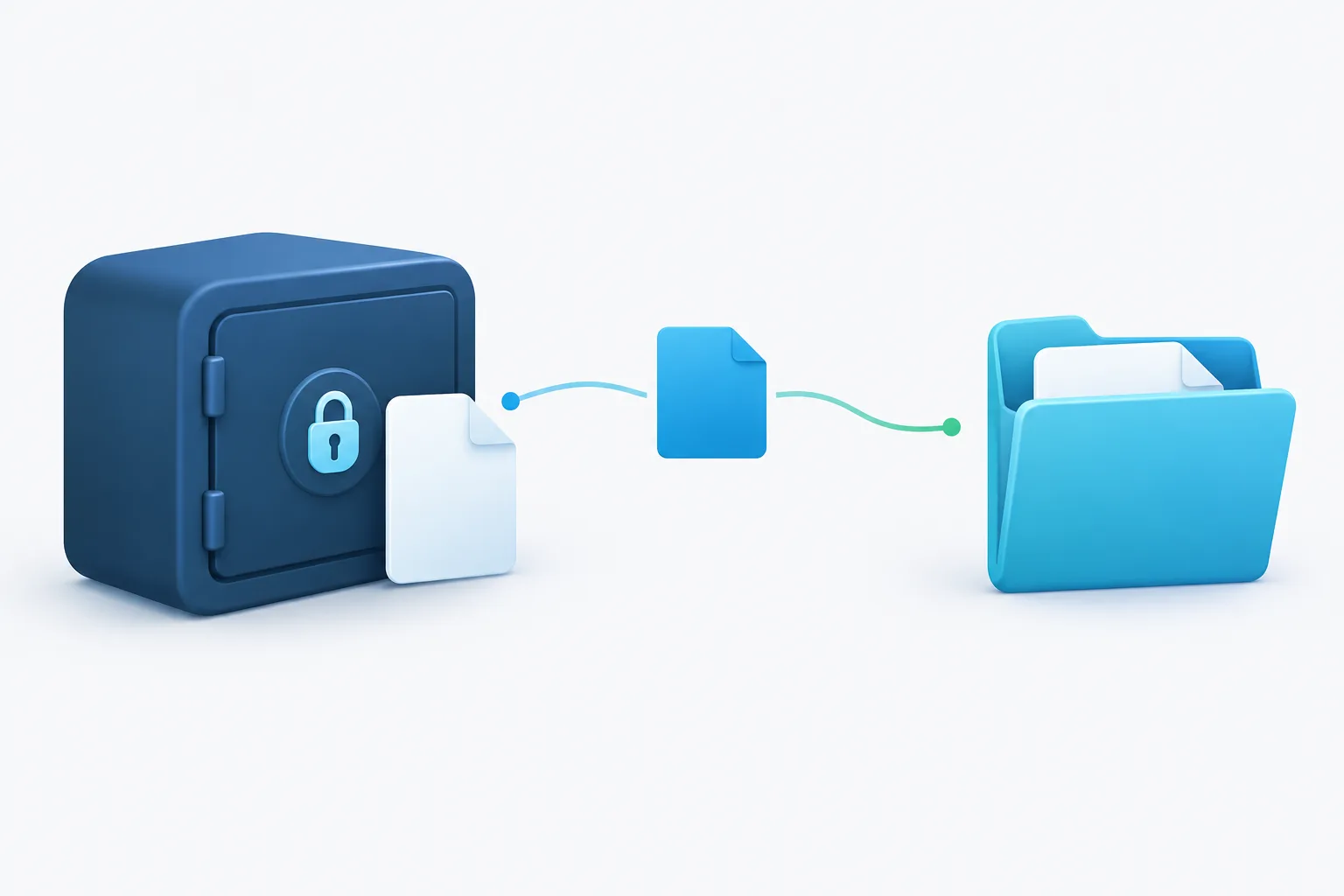
Restore a sample file without overwriting production data
- Record the test scope. Note the file or folder selected, the backup source, the recovery point, the test location, and the person coordinating the test. Do not include passwords or other secret access details in the record.
- Start the clock. Record when the restore process begins. Include any time spent locating the recovery point or getting authorized access, not just the file transfer.
- Restore a copy. Follow the documented recovery procedure and direct the restored item to the separate destination. Check the destination before confirming the restore so the original stays untouched.
- Confirm the result. Verify that the expected file appears in the test location. Check its name, type, size or other relevant properties, then open it using an appropriate application.
- Validate the content. Check that the file contains the expected information and that it is readable and complete. If you have a trusted reference copy or a known-good integrity check, compare against it where appropriate.
- Check access. Have the intended user, or an approved representative with the same access needs, confirm they can reach and use the restored copy. A file that only an administrator can open may not meet the business need.
- Stop and record the finish time. Note when the file is ready for use, not only when the restore process says it is complete. Calculate the elapsed recovery time from your recorded start and finish.
Never use a live production file as a test destination. If a restore tool offers to replace existing data, stop and confirm the target before proceeding. For a complex system or an environment where restoring a file could affect live operations, have a qualified administrator plan and supervise the test.
What makes a restored file usable?
A backup integrity check or successful job status can be useful, but neither alone demonstrates that a person can recover and use the needed information. Validate the restored copy against the purpose of the test:
- Completeness: The expected file and relevant content are present, rather than an empty, partial, or outdated copy.
- Readability: The file opens in an appropriate application without errors that prevent normal use.
- Integrity: The content appears intact. Where a trusted comparison method is available, use it to check that the restored copy matches the expected version.
- Access: The intended user can locate and open the file with the permissions they need.
- Relevance: The recovery point is recent enough to support the work the business must resume.
Be specific about what passed and what did not. “File restored” is less useful than noting that the file was found, opened, checked for expected content, and accessed by the intended user.
Document the test and the recovery time
Good backup test documentation helps turn a one-time check into a repeatable process. Record enough detail for someone else to understand the result and take action, without storing sensitive credentials in the log.
- Test date and the person coordinating it
- Test scope, including the files or systems checked
- Backup source and recovery point used
- Separate restore destination
- Start time, finish time, and total time until the file was usable
- Validation checks performed and who confirmed access
- Pass, partial pass, or fail result, with a brief explanation
- Issues found, corrective action, owner, and follow-up status
Compare the measured recovery time and recovered data with the objectives your business set. If a restore takes longer than expected, or the recovery point is too old, record the gap and decide who will address it. Guidance from AWS on periodic recovery testing also emphasizes recovering data to verify that backup integrity and processes work in practice.
Include protected and cloud backups in the plan
A useful test should reflect the recovery options your business may need to rely on. If you use cloud backups, test the authorized process for locating and restoring a copy. If you maintain offline or otherwise protected backups, plan a controlled test of that recovery path too. Confirm that the right people can access the backup and that the restored copy can be checked in a safe location.
Access control matters during testing. Keep restore permissions limited to authorized people, protect restored sensitive files, and remove test copies when they are no longer needed under your organization’s retention practices. If there is concern that a system or backup may be compromised, do not connect it to production or treat a routine file test as a security investigation. Ask the responsible IT or security professional to guide the next steps.
The NIST guide to conducting, maintaining, and testing backup files provides additional guidance on making backup testing part of a deliberate process.
Frequently asked questions
How often should a business test its backups?
Set a schedule that reflects how important the data is, how often it changes, and how much disruption your business can tolerate. Also test after significant changes to backup tools, storage, or recovery procedures. Keep the schedule and results in your recovery documentation, then adjust it when a test exposes a gap.
How can I test a backup without overwriting production files?
Restore a copy to a separate test folder or isolated environment, and verify the destination before approving the restore. Do not use the original file’s location as the test target. If the restore process cannot clearly direct a copy to a safe destination, pause and get help from the person responsible for backups.
What should I do if a backup restore test fails?
Record what failed, including the recovery point, error or obstacle, elapsed time, and any checks that could not be completed. Avoid repeated changes to live systems without a plan. Assign a responsible person to investigate the cause, correct the recovery procedure or backup issue, and run a follow-up test to confirm the fix.
Make recovery a process you can verify
A reliable backup plan is one your team can use and validate, not just one that reports completed jobs. Restore sample files safely, check that they are complete and accessible, and document the time and results against your business needs. If you want help reviewing backup recovery and continuity planning, contact Zevonix at (904) 658-0777 to discuss your environment and next steps.